

Good News: Your Syllabus Did Most of the Work
If your syllabus is aligned with the Honors Learning Outcomes and, when applicable, General Education requirements, you have already done the most important part. Now you simply need to carry that alignment into Canvas.
Before the Semester
There are just a few things you need to do in Canvas. Complete the section that applies to your course.
Honors Assessment
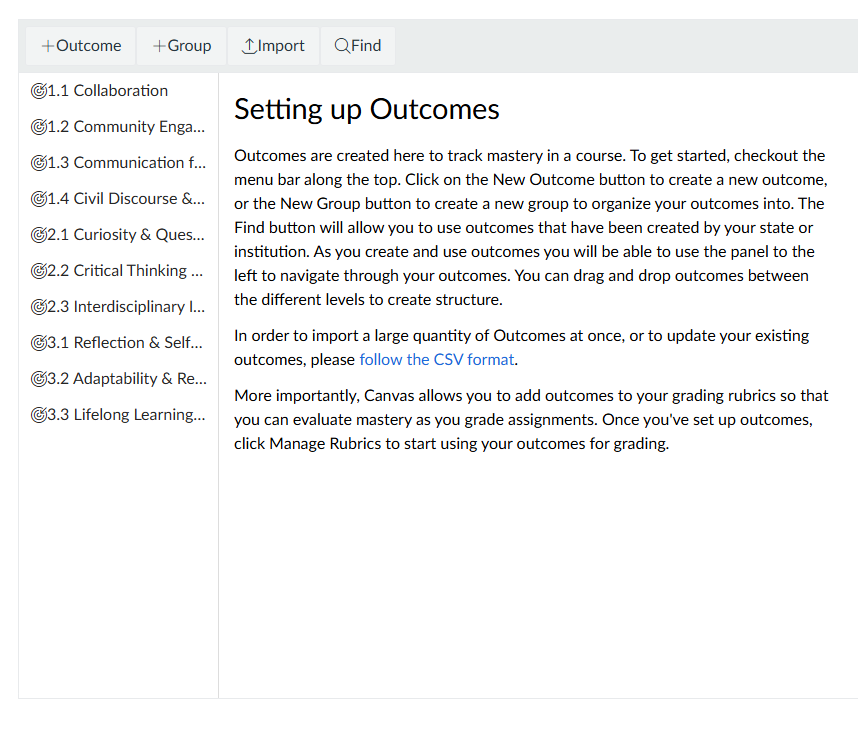
For all Honors courses, carry the outcomes you identified in your syllabus into Canvas.
- Import the specific Honors Learning Outcomes your course addresses.
- Attach each selected outcome to at least one specific assignment or assessment.
- Add Abi Monsen and Eddie Hill as Designers to your Canvas course.
Need help with Canvas?
View the step-by-step guide for importing and using Canvas Outcomes
View the step-by-step guide for importing and using Canvas Outcomes
General Education Assessment
If your course carries a General Education Breadth designation, carry your General Education alignment into Canvas.
- Import the Area Learning Outcomes for your course's Breadth area.
- Attach each Area Learning Outcome to at least one specific assignment.
- Identify your Signature Assignment in Canvas. Include “Signature Assignment” in the assignment title.
- Add Abi Monsen and Eddie Hill as Designers to your Canvas course.
Learn more about Canvas ALO Alignment on the General Education Webpage.
Quick Check
- My Honors Learning Outcomes are in Canvas and connected to assignments.
- My Gen Ed Area Learning Outcomes are in Canvas and connected to assignments, if applicable.
- My Signature Assignment is clearly identified in Canvas, if applicable.
- Abi Monsen and Eddie Hill are added as Designers.
Need Help?
Not sure how to connect an outcome to an assignment in Canvas, or have a question about assessment?
Contact Honors